
This article reviews how Presidents can approve new or returning leaders for their Chapter with automated notifications. A video overview is available here too.
For all applications, both National and the local Chapter must approve. Specifically, for new and returning leaders, the President will approve or deny the candidate, and, if he or she approved, they will also confirm the candidate's role on the team.
Presidents will receive a notification at their YCP email address when a leader applies for their Chapter. The email will come from Jotform.

The email includes all the application details and has a PDF attached. At the top, there will be two buttons: approve and deny. When the President is ready to make their decision, they will select the button corresponding with their choice.

As seen here in the approval window, Jotform will prompt the President for a comment. Here the President should indicate what role they'd like the leader to hold on the team.

Once the comment is entered, click "Complete."
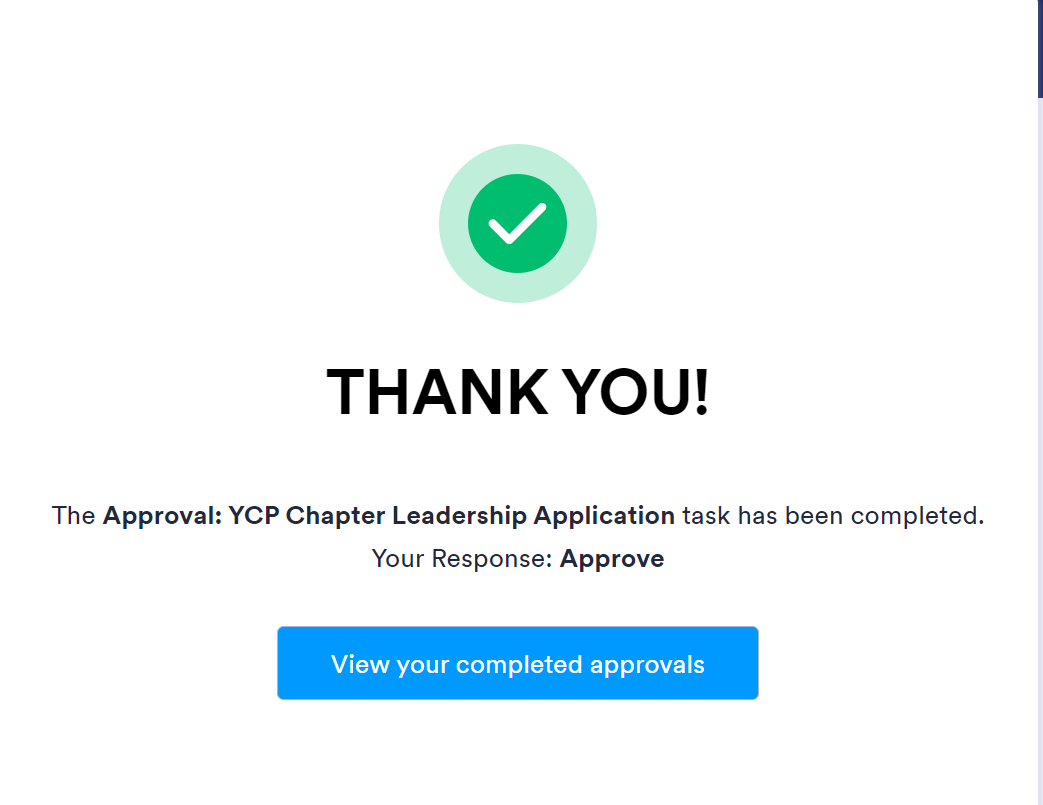
The next window will confirm that the submission has been received. Note that the "View your completed approvals" will not be available since Chapter Presidents do not have their own Jotform accounts, nor do they need to create one.
This will notify YCP National Staff. Once the candidate is approved by YCP National, they will move forward with welcoming the new leader and setting them up with YCP access.
Contact help@youngcatholicprofessionals.org if you have any questions.