
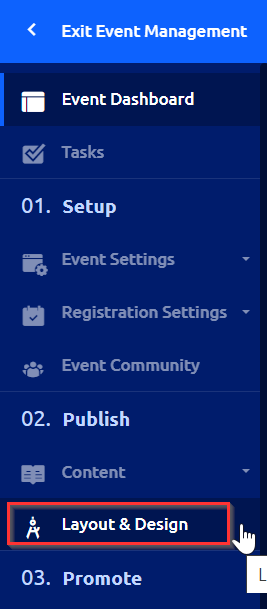
To edit the default agenda text you’ll need to go to that event’s settings. Then in the left hand navigation bar, select “Layout & Design.”
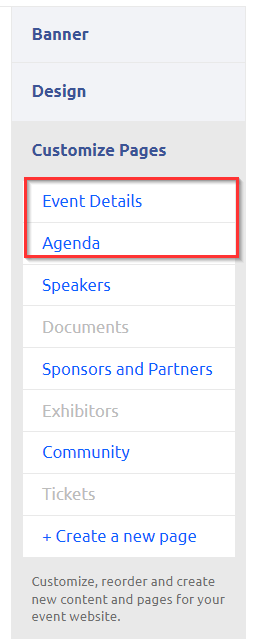
Then on the right hand side of the page, find “Customize Pages.” Notice that there are "Event Details" and an "Agenda."
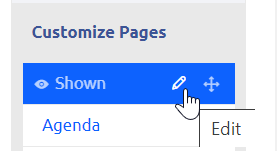
Hover your mouse over “Event Details” and upon doing so, a pencil icon will appear, allowing you to edit.
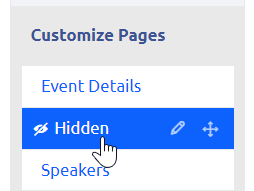
Additionally, there is an agenda widget that can be turned on and off. Hover over "Agenda" and click to hide/show. You can have the agenda listed in either place to be visible on your event webpage.
Th