This article reviews how to add a link to text in Glue Up email campaigns. This is a great alternative to adding buttons.
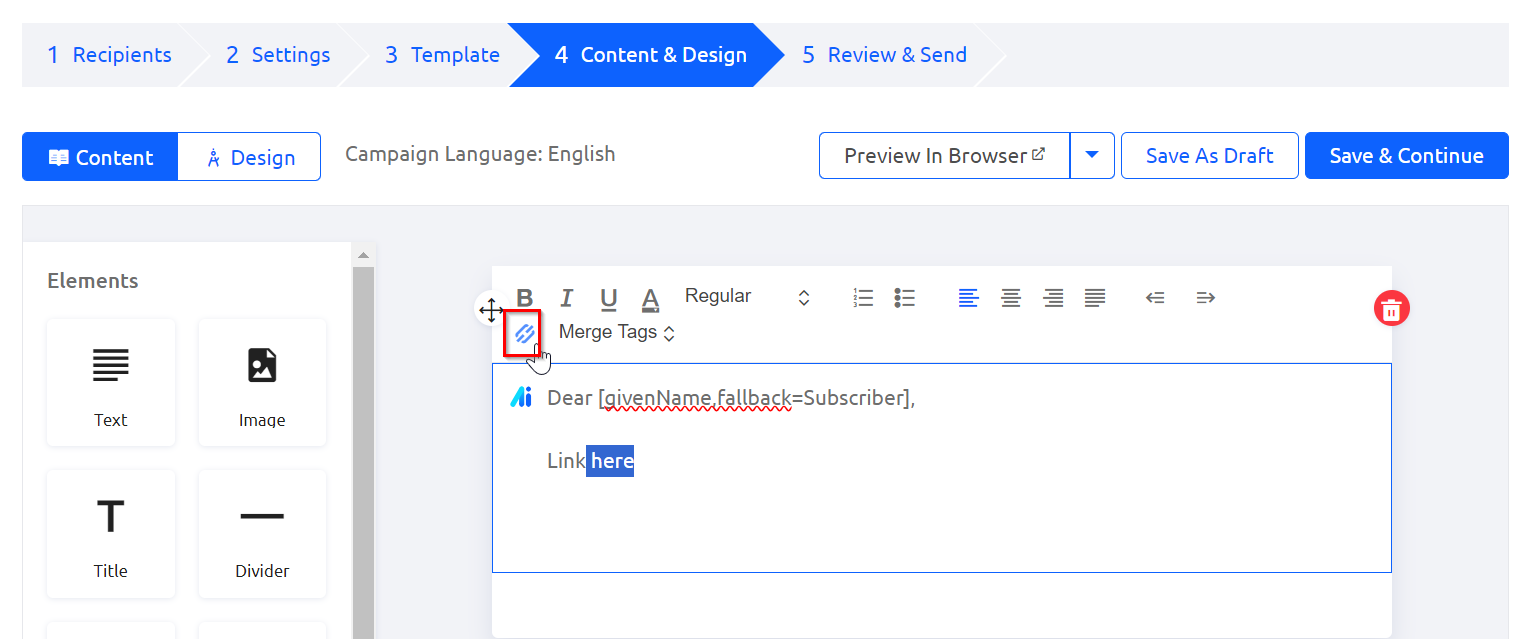
When you are editing a text section in your email campaign, highlight the text you'd like to link and then click this link icon:

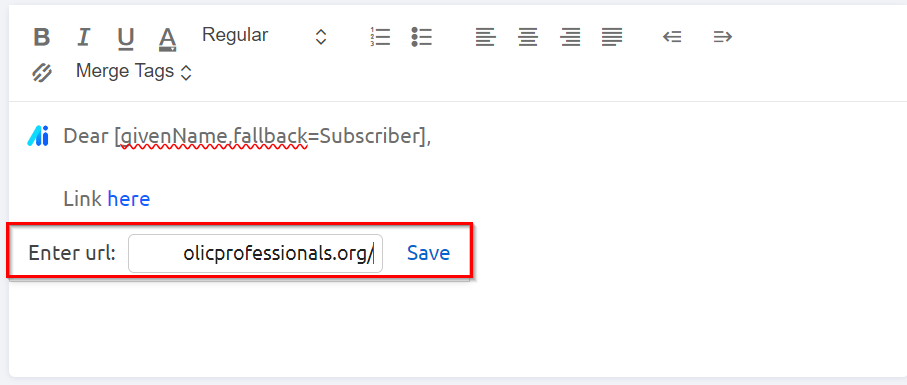
Upon doing so, a new window will appear that will prompt you to add the url of interest. Then click "Save."
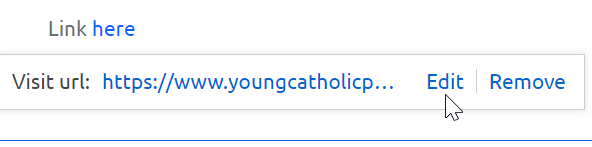
After saving, you will have the option to visit the link you entered, edit the link or remove it if needed.