To add someone on Slack, navigate to the right hand corner of the channel if you are on a laptop/desktop. You should see a count and some faces for profiles in the corner. Click on this.
This will open a window where you can search by name (if they already set up their Slack account) or by email to add/invite someone to Slack.
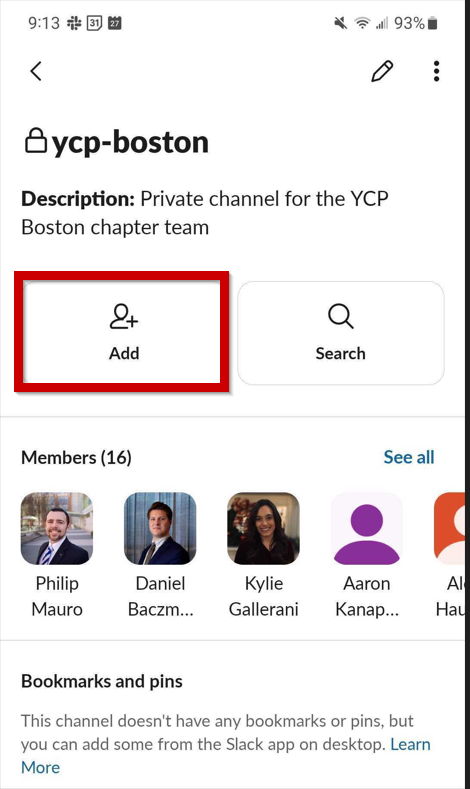
On mobile, you can click on YCP-{Chapter} and then you'll see the option to add.