A common error while purchasing a membership in GlueUp is the 'Primary Chapter Selection' error, shown below:
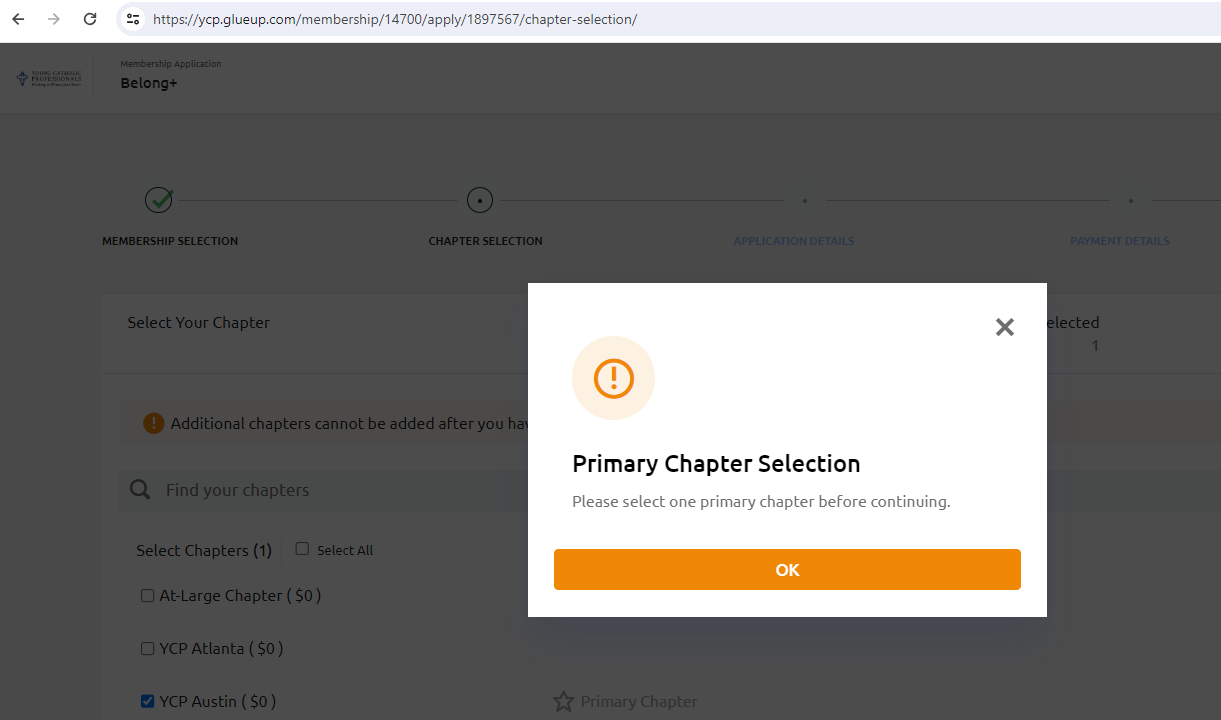
To proceed, click OK, then click the star icon to the left of the 'Primary Chapter' text after selecting a checkbox with your desired chapter (the star will be gold when clicked). Multiple chapter checkboxes can be selected, but only one Primary Chapter can.
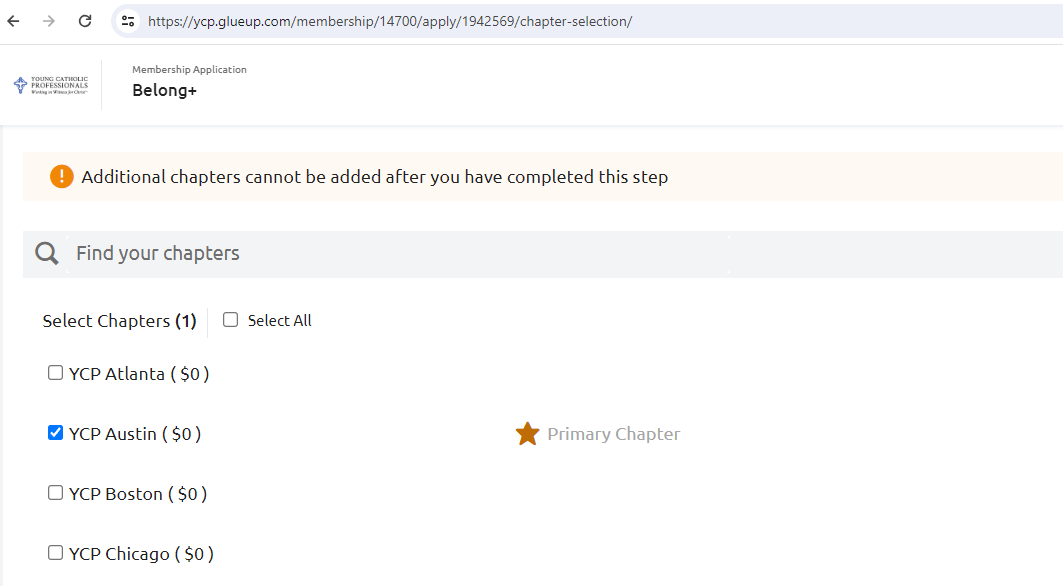
The primary chapter should look like this after clicking the star. You can now proceed with the application.