
If you receive the following screen when logging into the GlueUp Manager app:
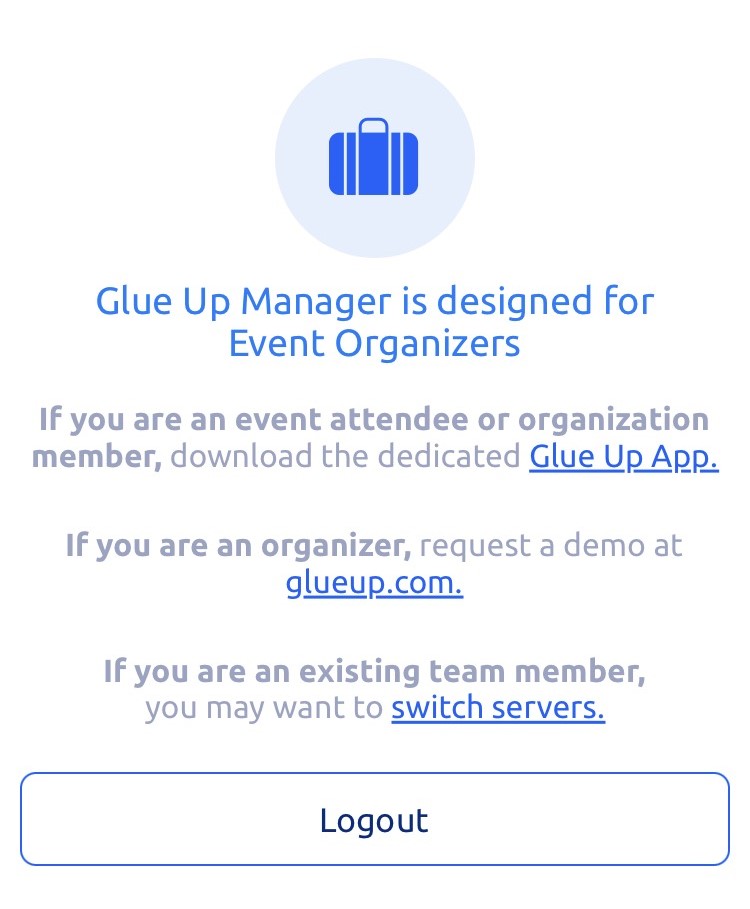
First, try logging out and logging back in. If this doesn't fix the problem, send a help request to help@youngcatholicprofessionals.org and we'll add the proper permissions to your account.
Alternatively, you can also log in to the desktop version or mobile web version of GlueUp at ycp.glueup.com to manage events.