Member contact information such as a phone number and email address can be found in the Glue Up dashboard.
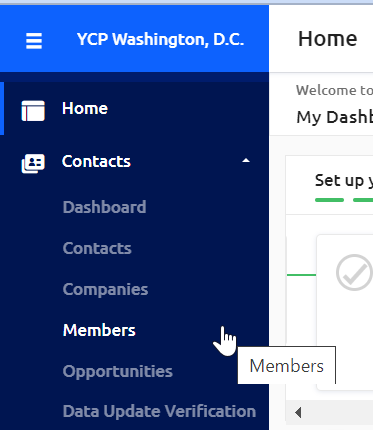
1) Upon logging in, navigate to Contacts >Members in the left hand pane
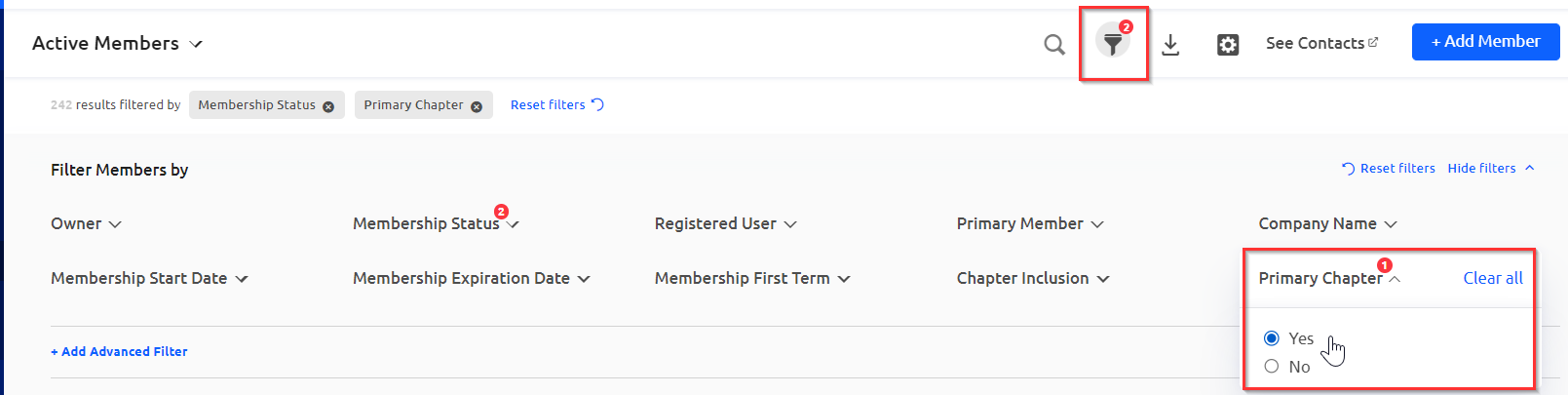
2) Use the filter setting to update the list of members based on your interest. It is recommended that you turn on "Yes" for the "Primary Chapter" filter. This ensures you are only looking at members who primarily attend your Chapter, and not another one nearby.
Additionally you can filter using other fields like "Membership Start Date."
3) By default, email addresses and phone numbers will be viewable in the details below in the dashboard. 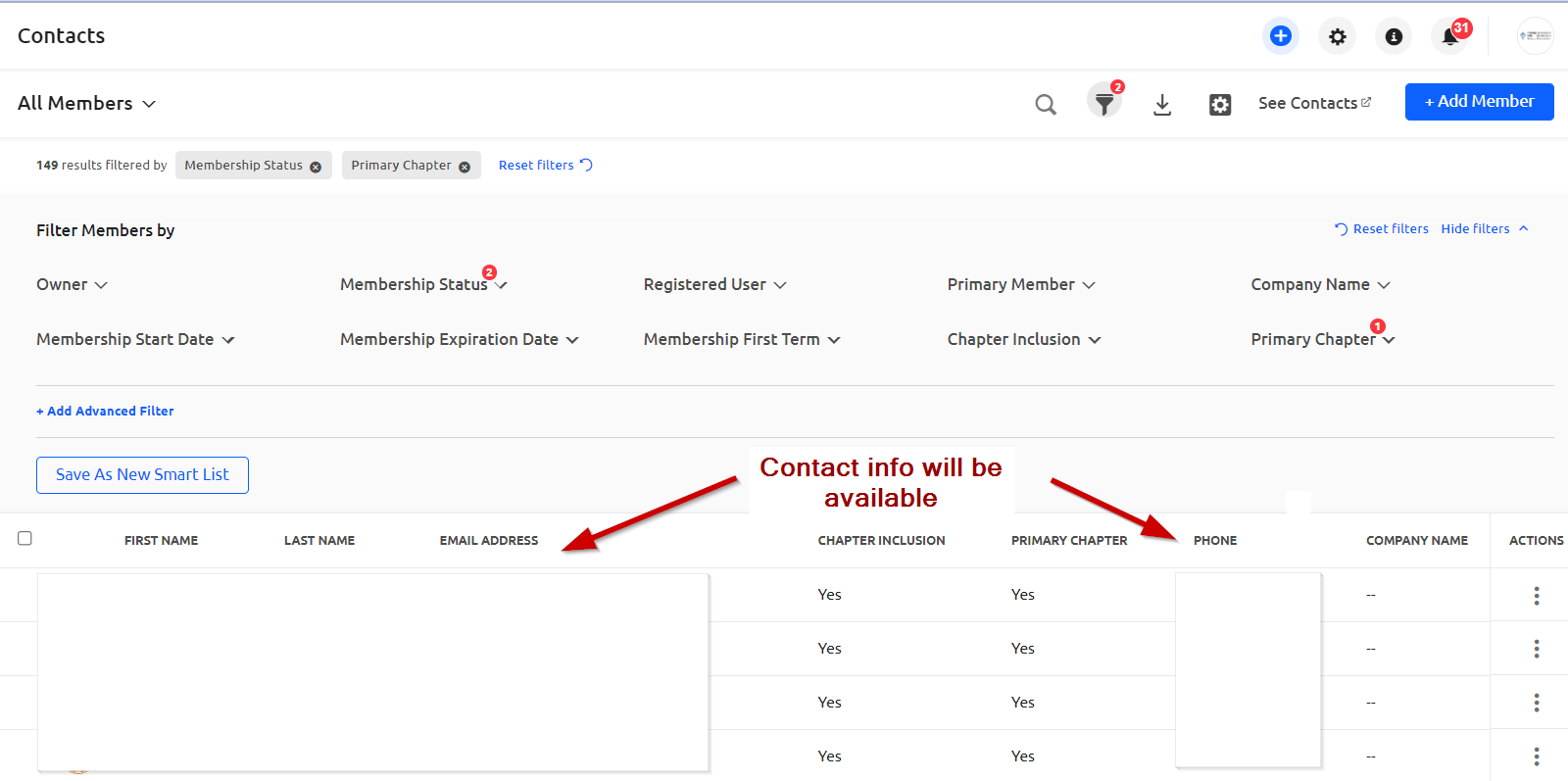
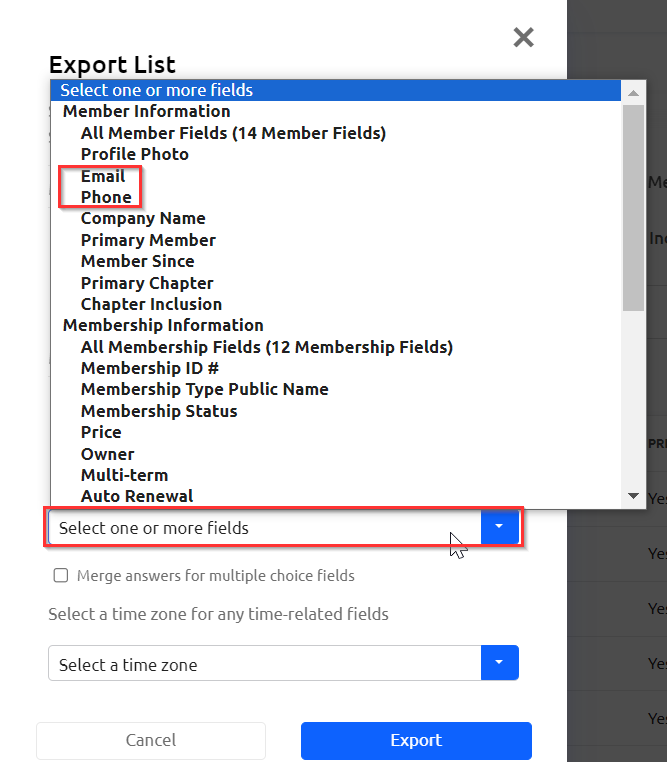
4) For further post processing, you can export a report. Make sure to add emails and phone numbers as fields of interest for the download. This will allow you to filter out even more members (like leaders and Board members).