
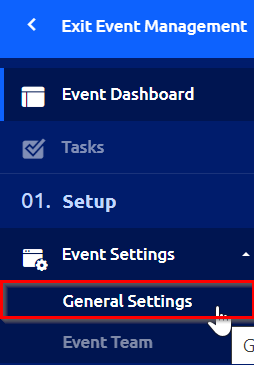
If you need to change the event time or date after it's already been published, you can do so by navigating to the "General Settings" in the left navigation sidebar of your Event Management dashboard.
Then adjust the event’s date and time as needed and click "Save" in the upper right hand corner.
