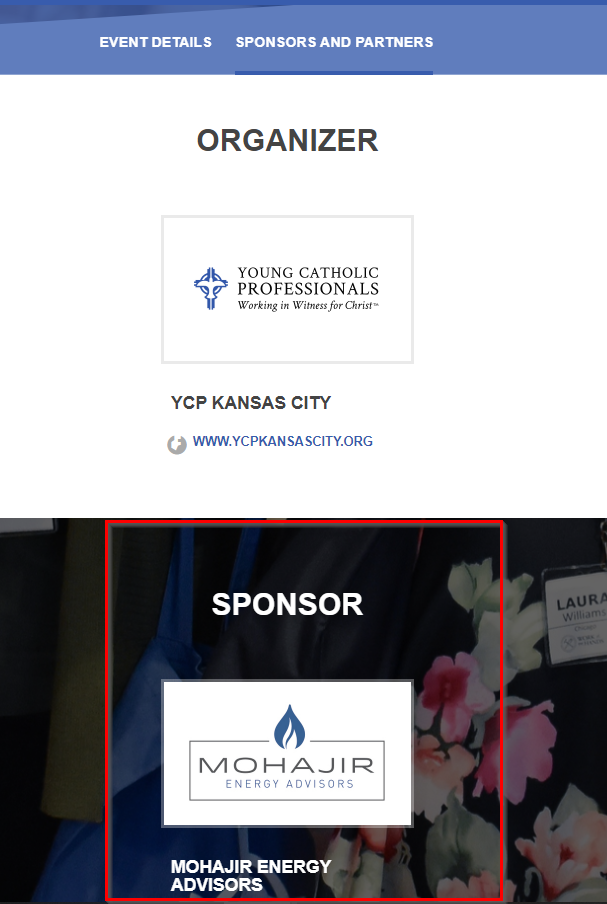
For most sponsors of the chapter or for a specific event, you'll want to acknowledge them on your website.
For a Chapter Sponsor:
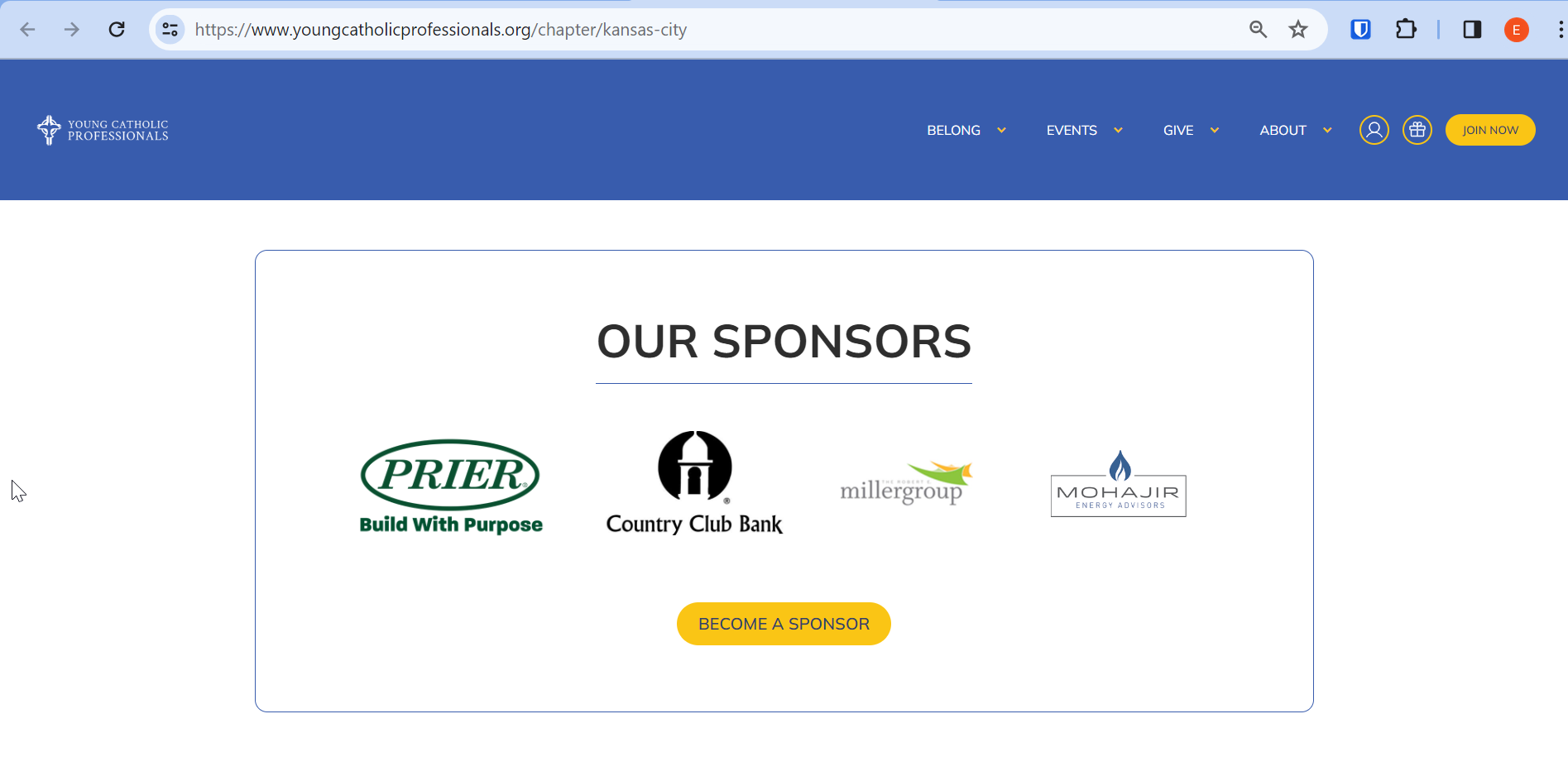
1) Email help@youngcatholicprofessionals.org with the logo and corresponding sponsor website (if a linking the logo is desired) and we'll update your chapter website accordingly. Below is an example from YCP Kansas City.
For an Event Sponsor:
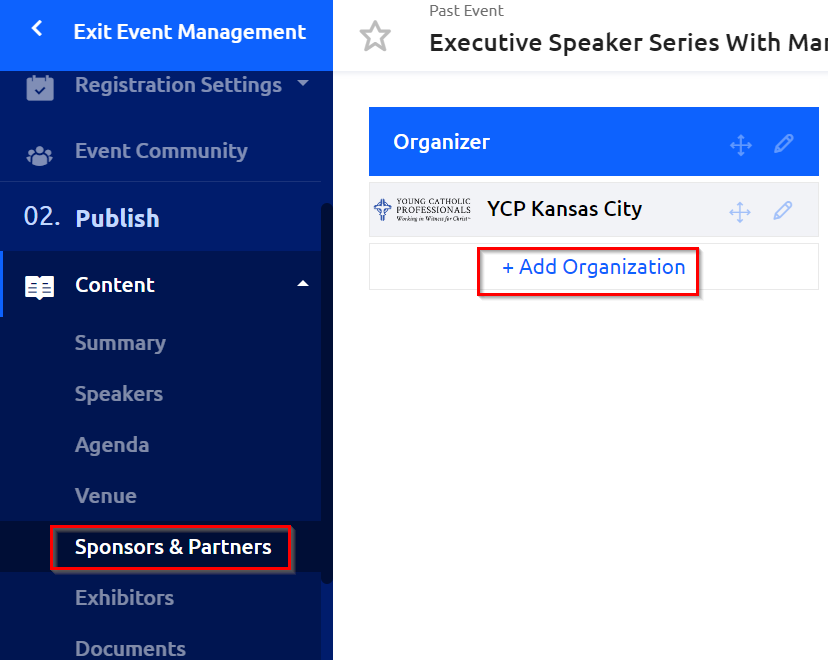
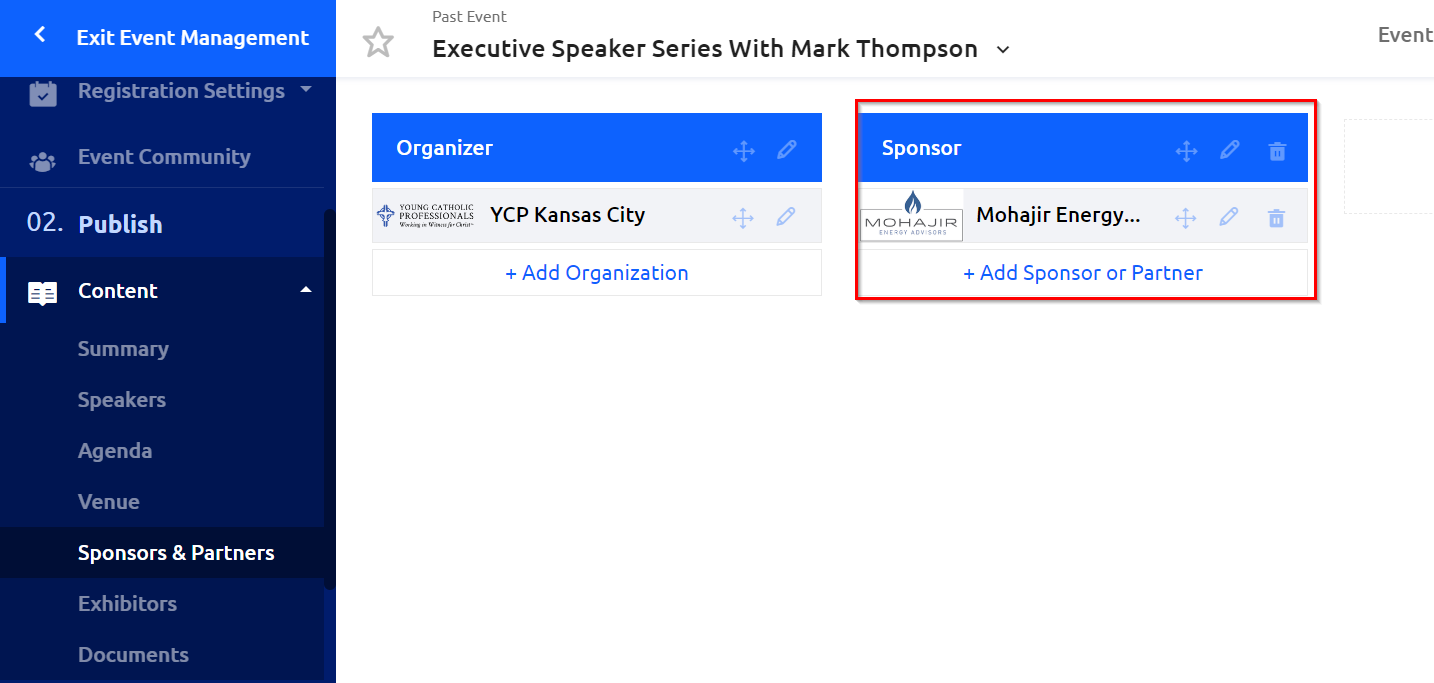
1) Navigate to "Sponsors & Partners" under the Content section of your Event Management side bar and click on "+Add Organization" where your chapter is listed by default.
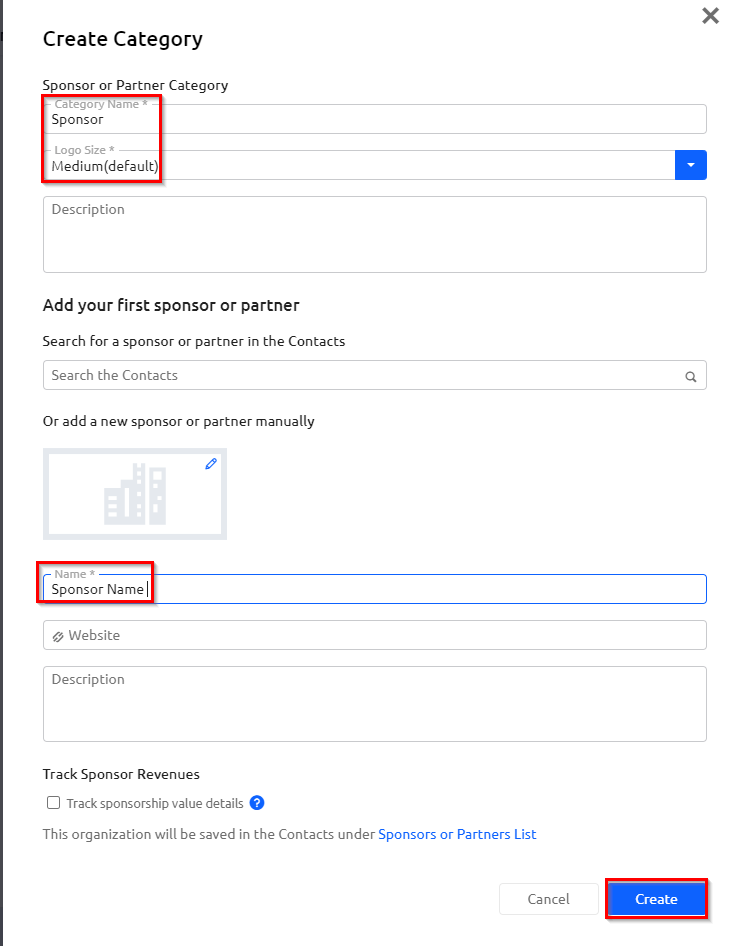
2) Fill out a category name, which can be "Sponsor" and select the "Logo Size." Additionally, enter the name for your sponsor as a required field. Provide any additional details of interest, and then click "Create."
3) Any created sponsors for the event will now be viewable here in the dashboard.
4) Once your event is published, the event sponsors will be viewable on your event webpage under the "Sponsors and Partners" tab.

5) Scroll down to see listed Sponsors and Partners, their name and logo, and any other details you had provided.