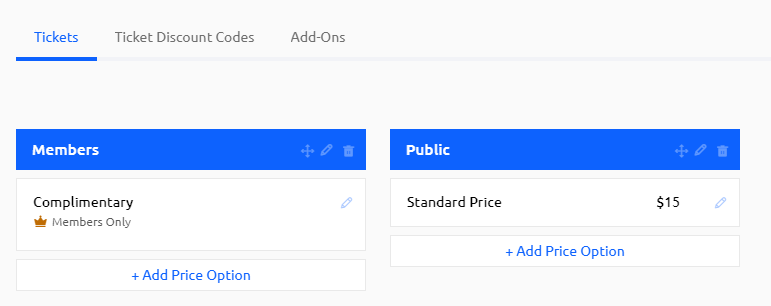
This article reviews how to set up tickets for an event to charge member or non-members at various ticket prices. Any revenue collected from event tickets will be deposited into the bank account set up through Paygage.
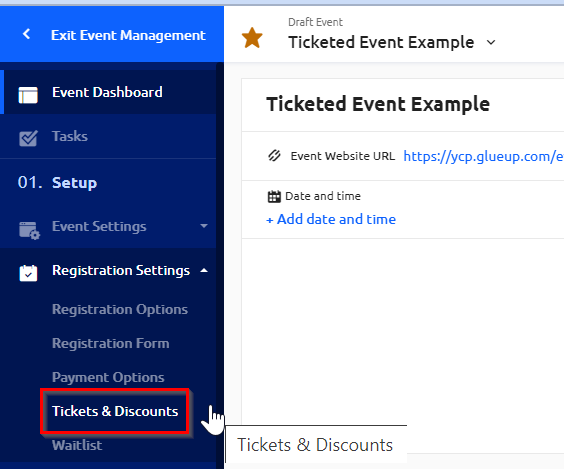
1) Navigate to "Tickets & Discounts" under the "Registration Settings" in the Event Management side bar.
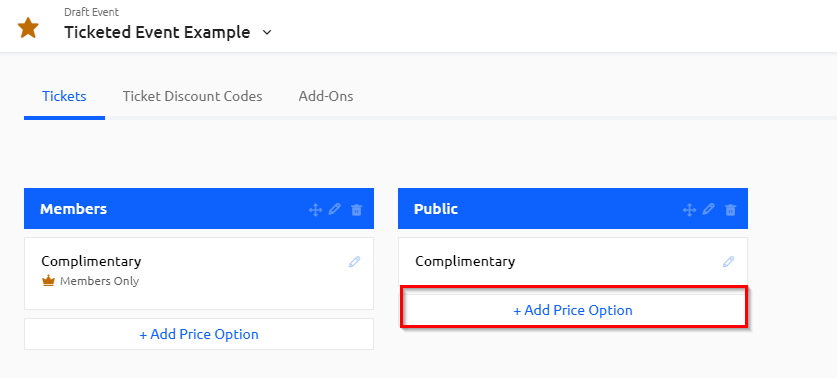
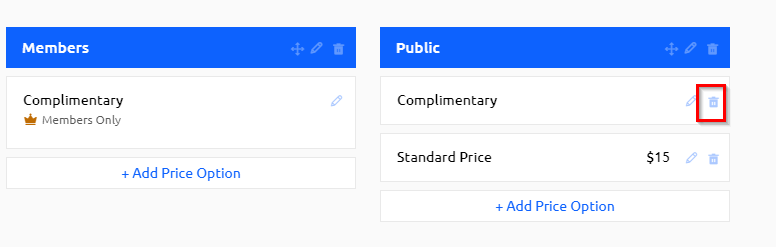
2) Depending on the blueprint template you selected for your event, there may be default ticket settings already set up. In this example, any non-members will be charged $15 a ticket to attend the event, and members will be complimentary, free-of- charge. Click on "+Add Price Options."
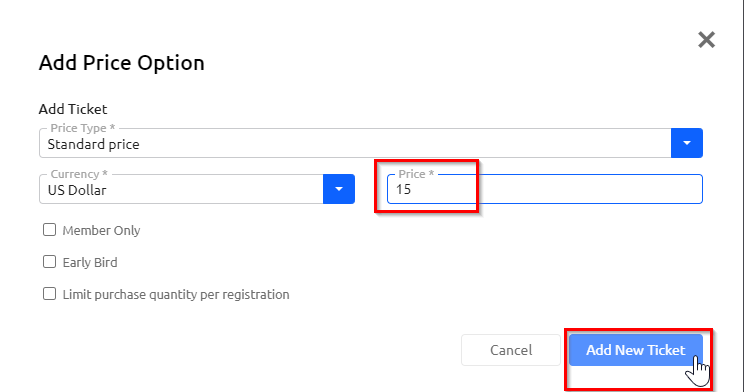
3) In the pop-up window, add the ticket price of your choice and click "Add New Ticket."
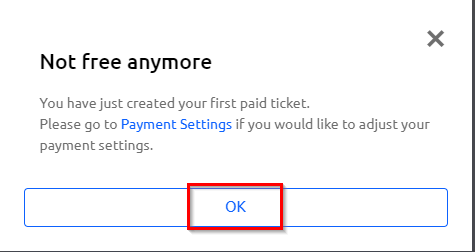
4) In the subsequent pop-up window, click "OK" to confirm the newly created paid ticket.
5) Delete any default tickets if needed. In this case, the complimentary ticket for the public will be deleted.
6) The tickets listed in your Event dashboard will be reflective on your website when someone registers.