The steps outlined in this article demonstrate how to view your Chapter's Belong and Belong + members in Glue Up.
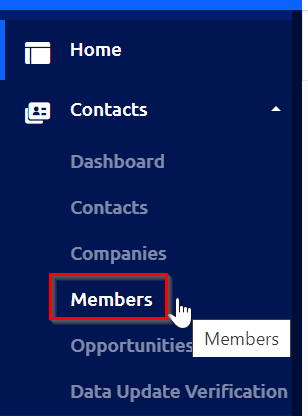
1) Navigate to "Members" under "Contacts" in your Chapter's Glue Up dashboard.
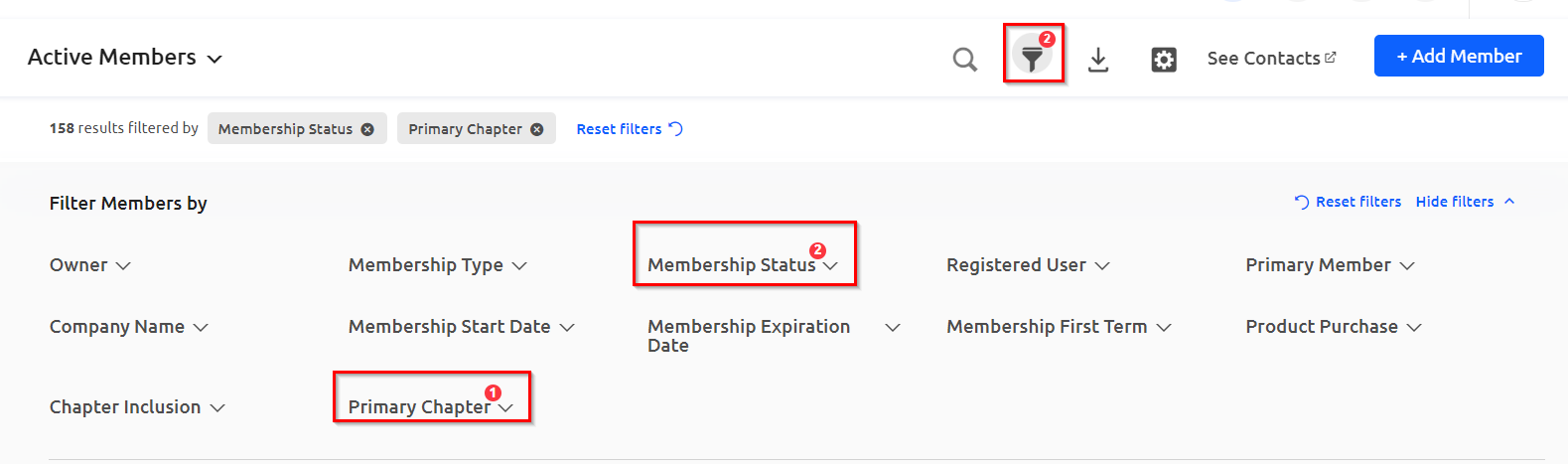
2) Two filters will be on by default:
- Membership Status: members with a status of "active" and "grace period" will be on by default, and "expired" and "cancelled" members can be turned on within that filter if needed
- Primary Chapter: only members associated with your Chapter as their primary Chapter (if they are subscribed to multiple) will be viewable with this default filter of "yes"
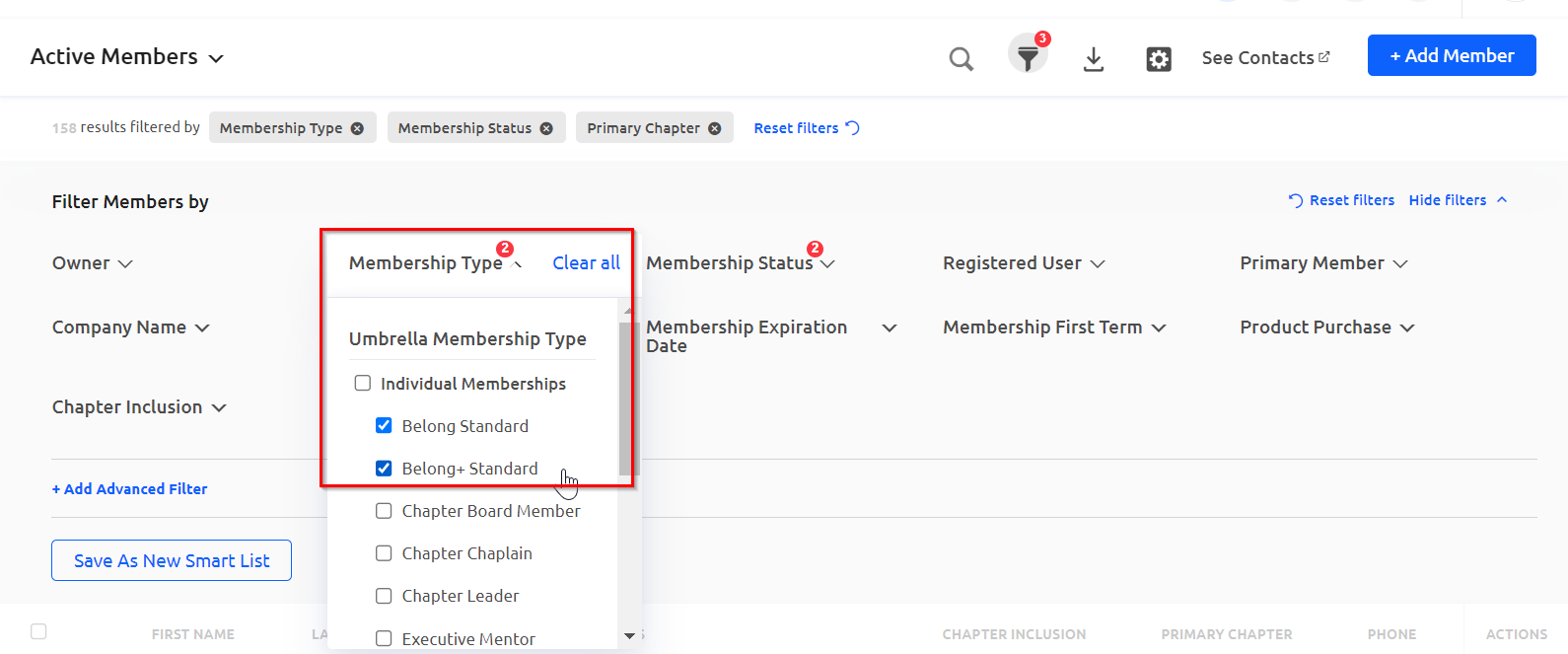
3) To see only Belong and Belong + members, use the "Membership Type" filter and toggle on "Belong Standard" and "Belong+ Standard".
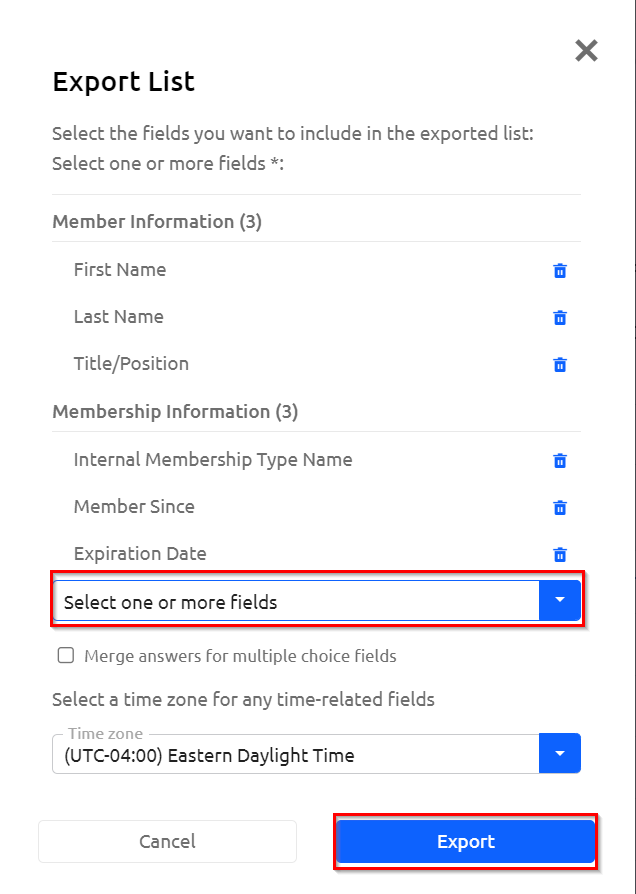
4) View the updated member list in the dashboard, or click on the export icon to download a report. If exporting, include any additional fields, like email address or phone number, as data to be exported if needed, and click "Export." Open the downloaded report in Excel, Google Sheets or other compatible 3rd party tool.