The steps below demonstrate how to reconcile account transactions in Xero. This should be done monthly to account for any transactions that the bank pushes over to Xero. We also have a video here that shows you how to do this.
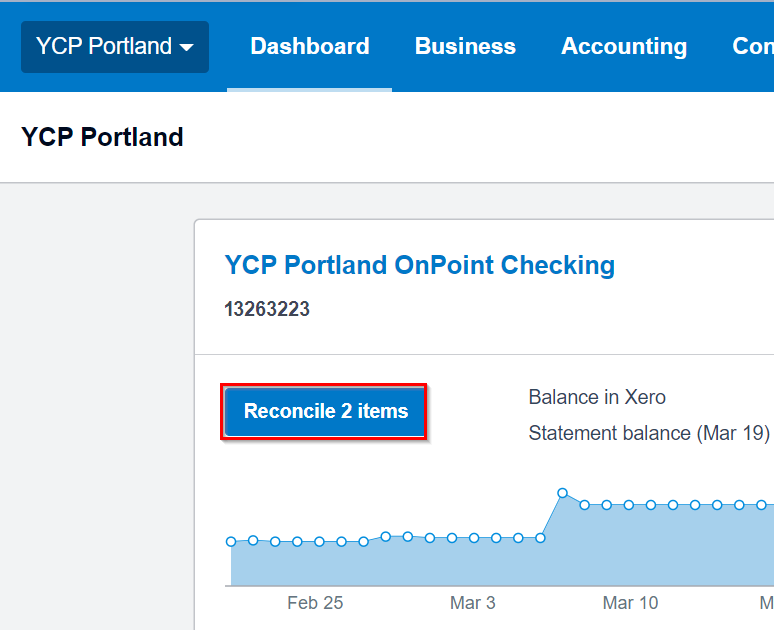
1) Upon logging in to Xero, click on the "Reconcile <#> items." This button will not appear if there are no account transactions waiting to be addressed.
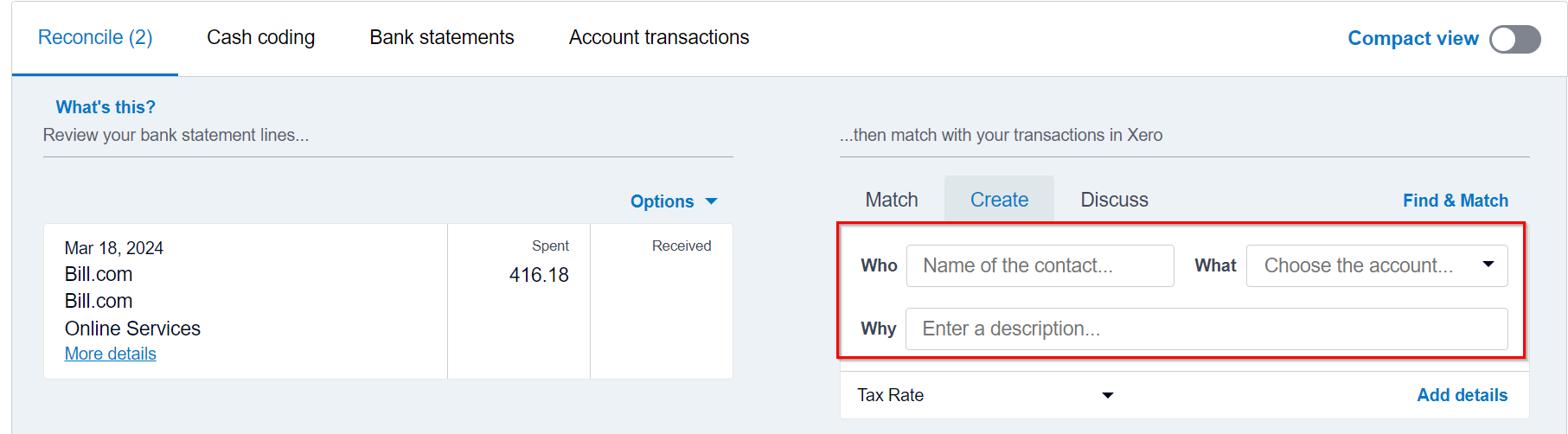
2) Here in the Reconcile tab, you'll need to enter details on who, what and why for each pending transaction that has been pushed to Xero from your bank account. You will do this for whether the transaction was spent or received by your bank account.
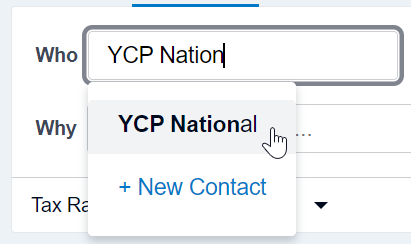
- For who - type in the name of the person or company that the transaction is associated with. Notice that previous contacts will be listed in your Xero database, and you can add a new contact at any point in time as well
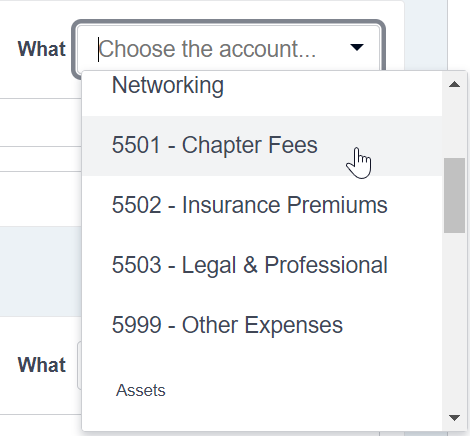
- For what - select the category that most represents the transaction type. In this example, we will search for chapter fees
- For why - enter a description of the transaction
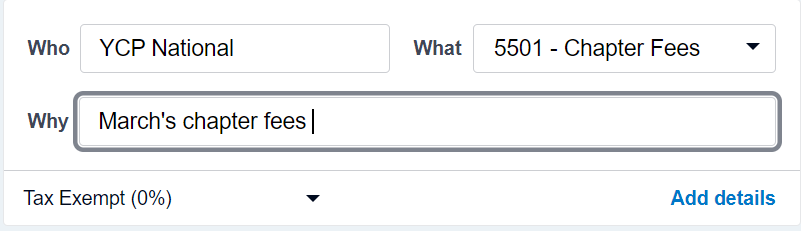
3) Once all the required information is filled out, click on "OK" to reconcile the account transaction, and proceed to the next transaction listed.

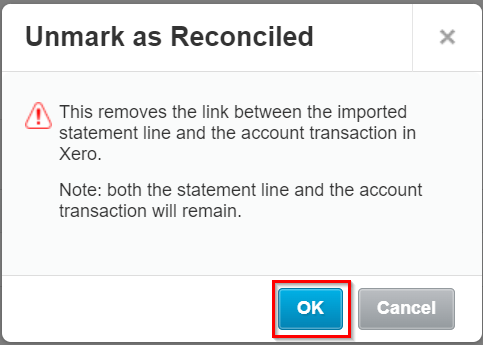
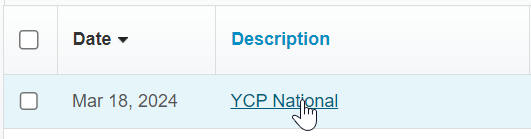
Note: If you need to undo or update an account transaction that's already been reconciled, click on the "Account Transactions" tab.

Click to open the transaction of interest.
Then under "Options" click on "Unreconcile."
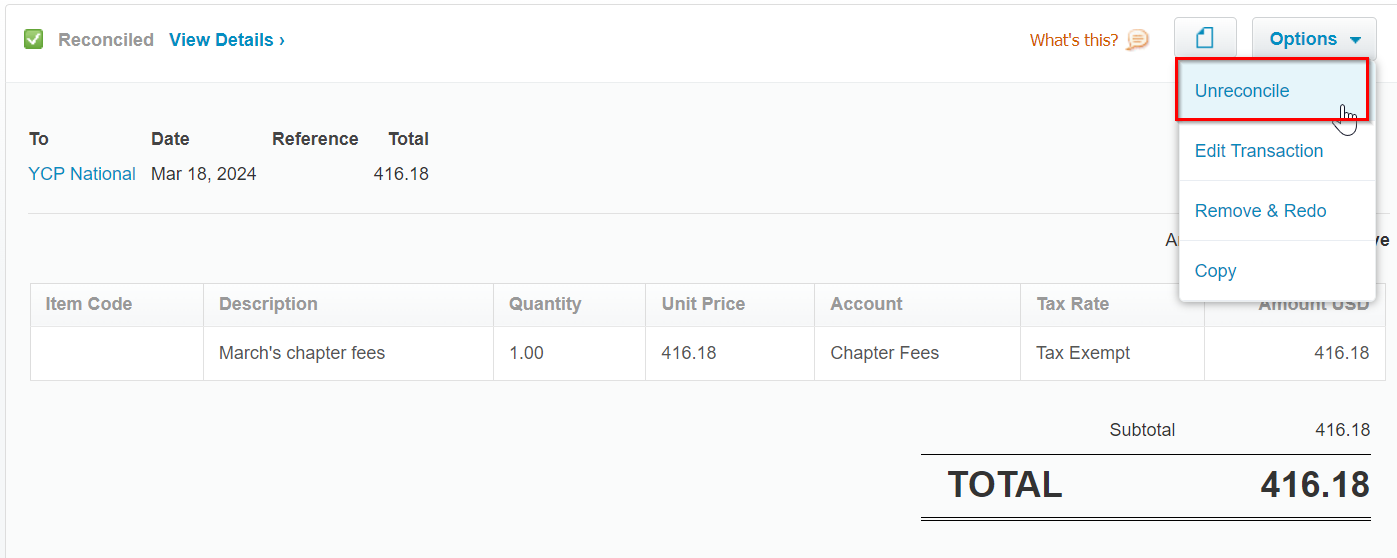
Click "OK" when prompted to proceed with the unreconciling.