
If someone registers for an event, they'll automatically get added as a contact in the chapter's contact list. However, there may be times when you want to add someone as a contact without them needing to register for an event first.
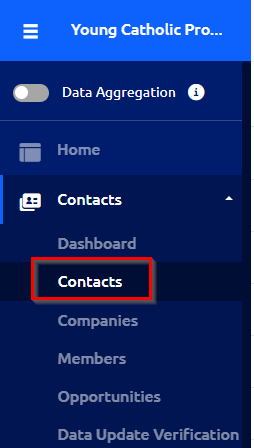
1) In your Chapter dashboard, navigate to "Contacts" under "Contacts."
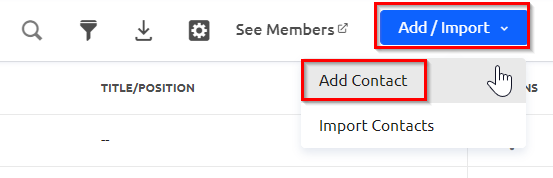
2) Then click on the blue "Add/Import" button and choose "Add Contact" from the drop down menu.
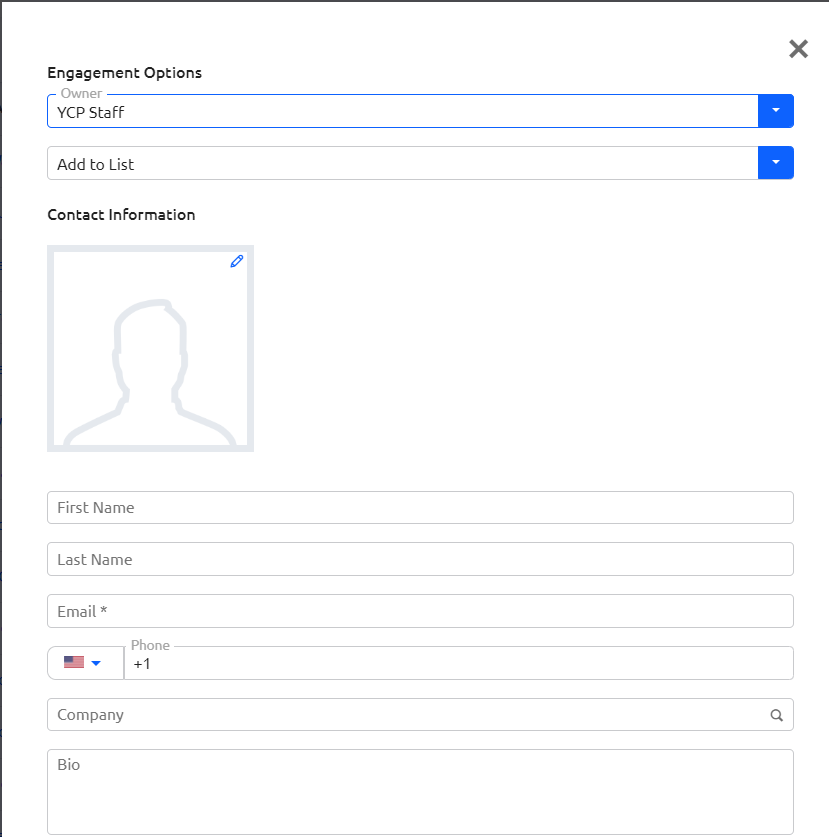
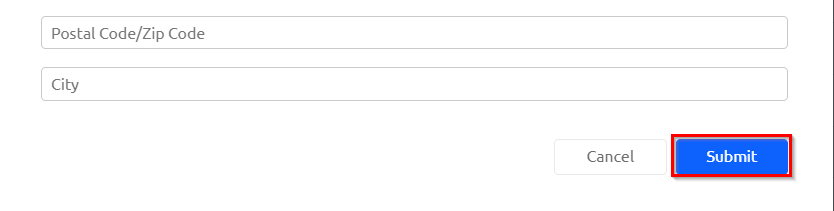
3) Enter in the contact's information, taking note that email and birthday are required fields. When you are done, click "Submit" at the bottom of the pop up window.
4) Your contact will then be added and you can search for them in your contact list. They'll receive email notifications whenever you send out email campaigns to your full contact list.