
Please note that check-in is available 24 hours before the start of an event and closes 7 days after the end of an event. If you are checking in guests beyond 7 days after your event, please refer to this article instead.
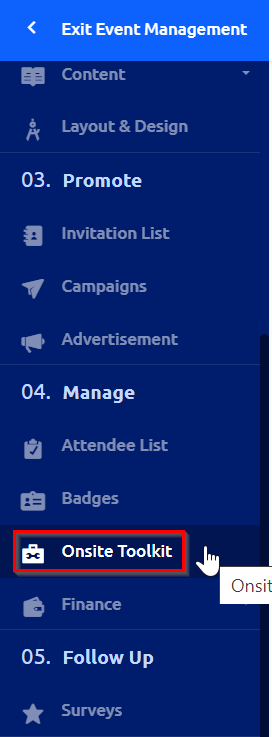
When you are ready to check in guests, open the event management for the corresponding event in Glue Up and click "Onsite Toolkit."
In the window that opens, you'll see that there are 3 options for check in: Standard Check-In, Self Check-in Kiosk, and via the Glue Up Manager App.

The following videos provide an overview of the functionality for each check-in tool:
We recommend using the Standard Check-in with a laptop since this will allow you to easily check in registered guests as well as walk-ins. With the exception of the app, these options require Wi-fi access during the check in process. A best practice is to always have paper and pen as a back up if there are ever technical issues with Wi-fi or the Glue Up server during your event. Guests can always be checked in after the event.