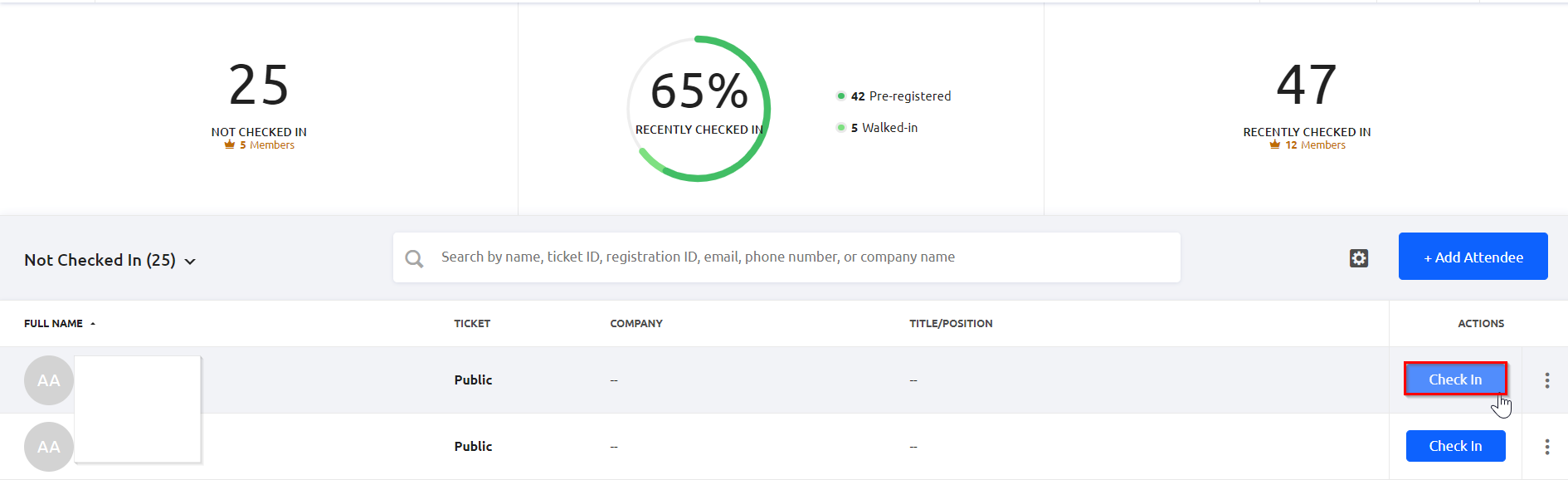
If you are within 7 days of your event, you can still check-in a guest using the Standard Check-In option in Glue Up. Please refer to this article on how to do so.
If you are needing to check-in someone beyond 7 days since the event, you'll need to manually adjust the event date as a workaround.
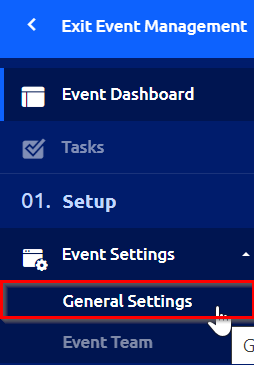
1) Open the event management dashboard for the corresponding event, and click on "General Settings" under "Event Settings" in the left navigation sidebar.
2) Adjust the event’s end time to a date within 7 days of today and click "Save" in the upper right hand corner.

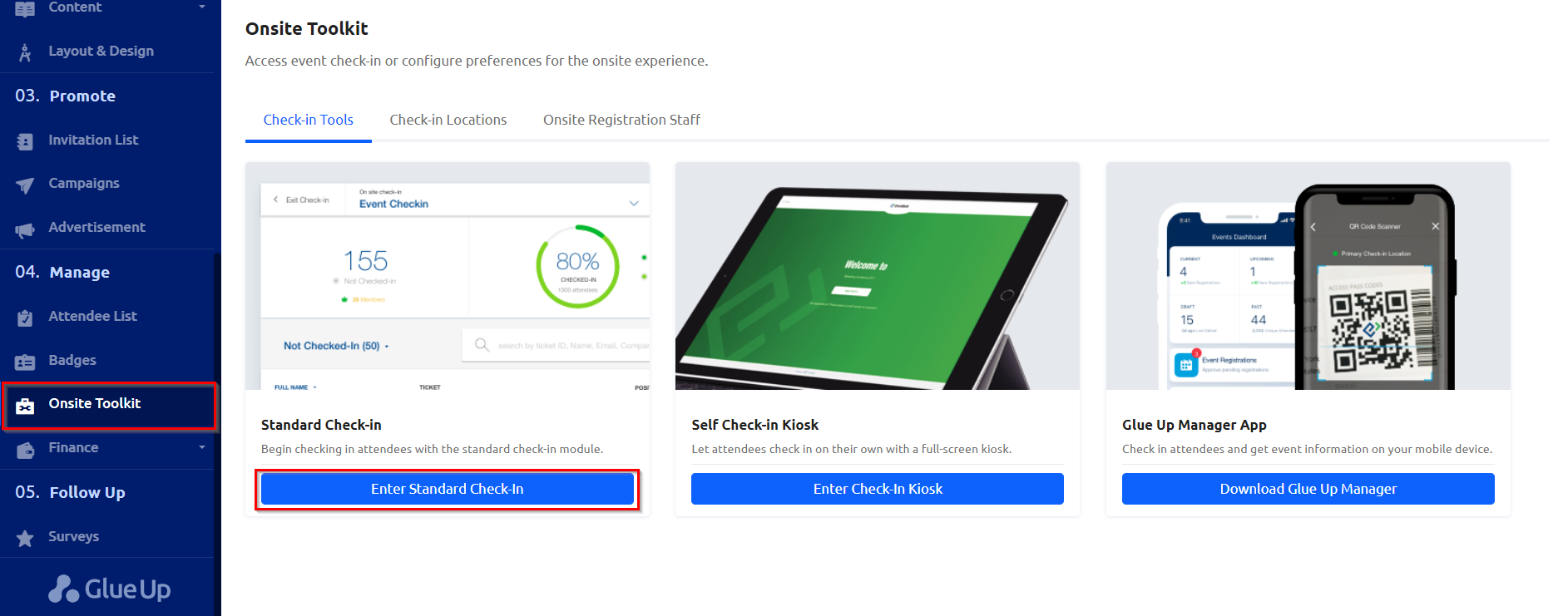
3) Go to the Onsite Toolkit section in the left navigation sidebar and click the "Enter Standard Check-in."
4) Check-in any guests as needed. Once complete, feel free to change back the date and time to that of the original in the General settings.