
The YCP Help Desk portal is pinned at the top of the General and Technology Slack Channels. You can simply bookmark this link for easy access too.
In order to sign into the YCP Help Desk to submit a help desk ticket or to view open, pending, or closed tickets:
1) Make sure you are logged into your YCP Google account.
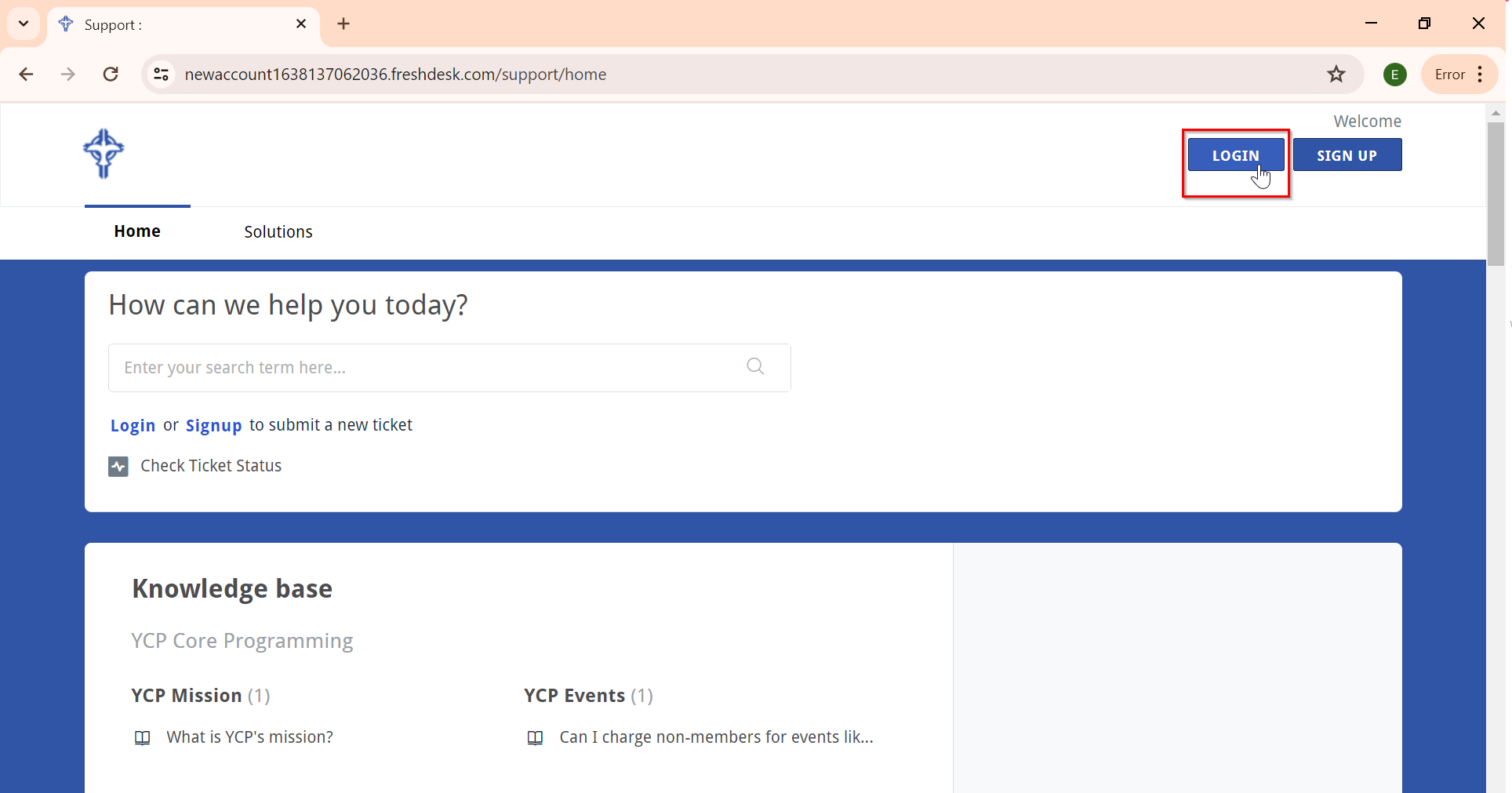
2) From the YCP Help Desk portal, click on "Login" in the upper right-hand corner.
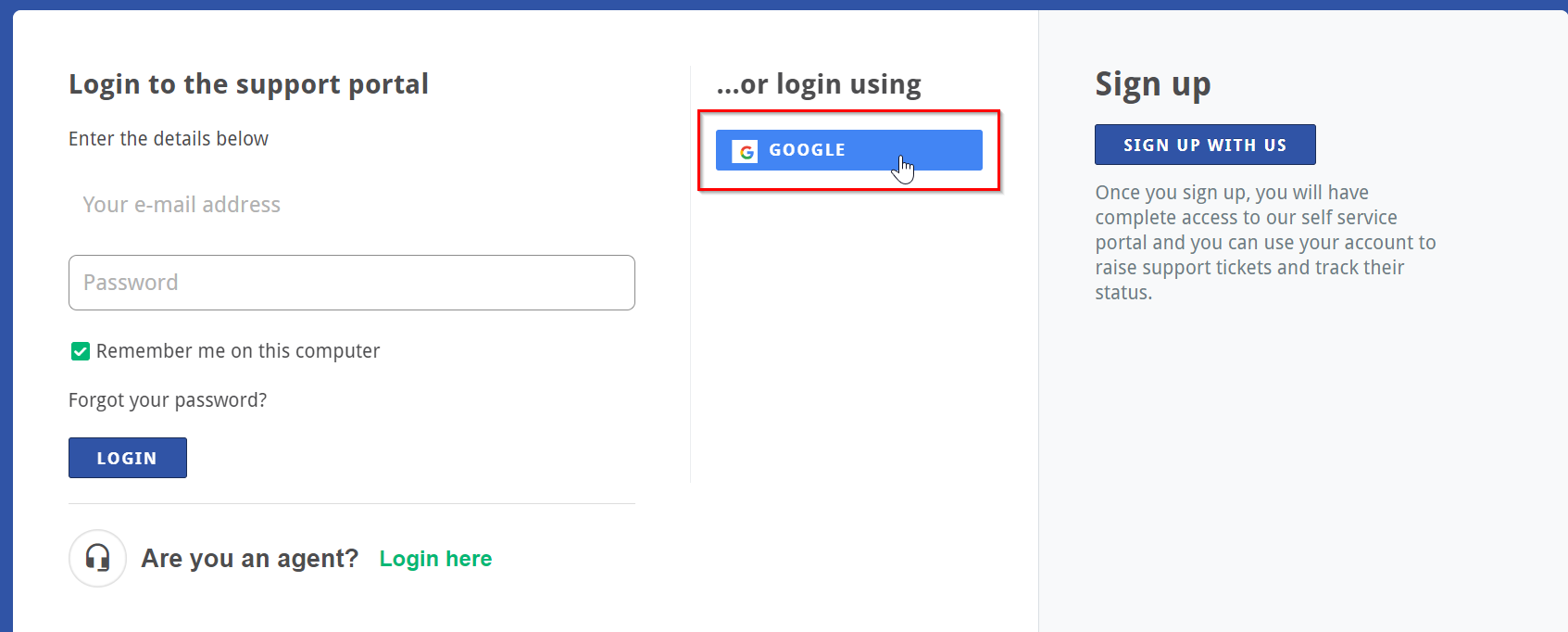
3) Login using "Google."
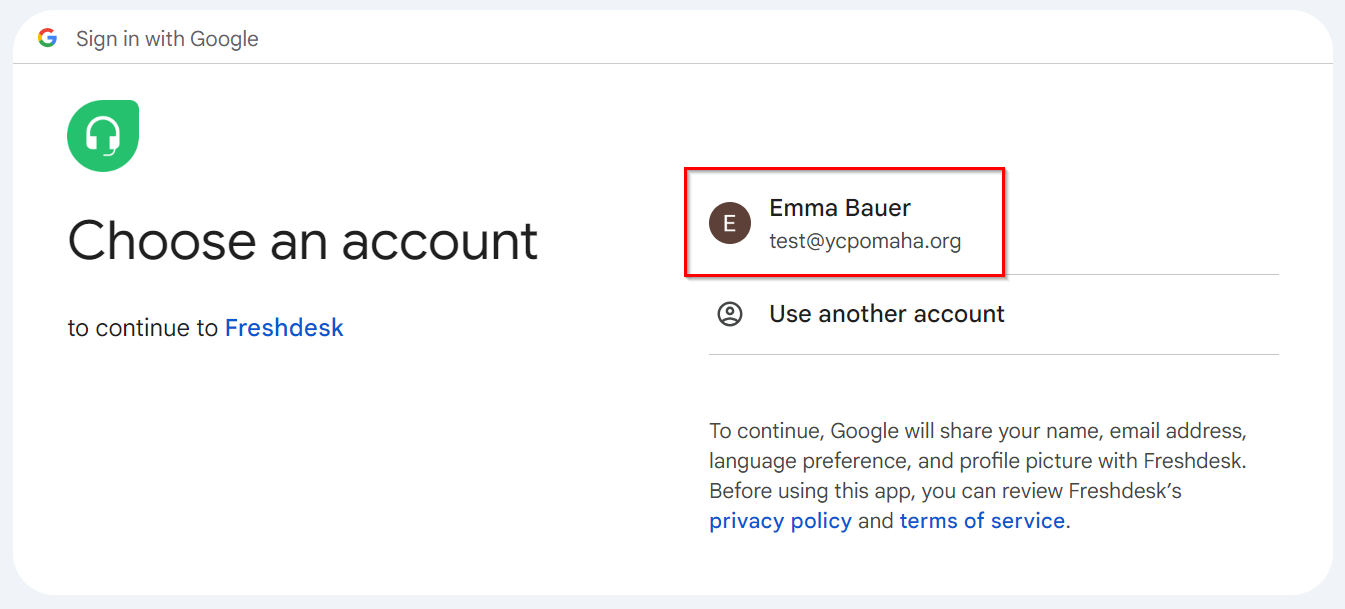
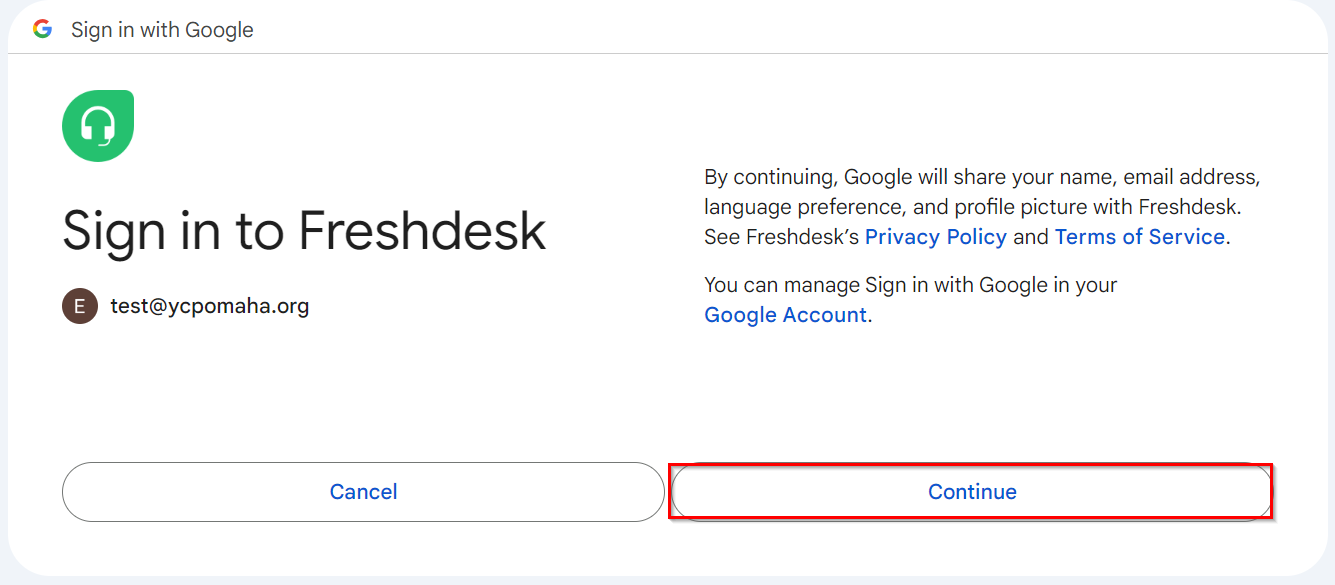
4) The first time you sign in, it will ask you to choose an account. Choose your corresponding YCP account, and then agree to the Privacy Policy and Terms of Service when prompted by clicking "Continue."
5) You're in! You can now submit or view previous tickets from the YCP Help Desk platform. Learn more about how to do so in this article.